
Drop in any image
Start with a screenshot, UI panel, product mock, photo, or social asset.
Turn flat images into polished 3D visuals in seconds. Add screenshots, product images, or photos. Tilt and layer them, then export a ready-to-use PNG.
Start with a screenshot, UI panel, product mock, photo, or social asset.
Apply a preset, fine-tune the angle, and layer multiple images with depth.
Download a 2400×1500 PNG ready for your homepage, changelog, or launch post.
FrameTilt shapes flat visuals into presentation-ready assets without the overhead of Photoshop or GIMP. It applies true 3D rotation in a perspective camera, not a 2D warp transform, so the geometry holds up at any angle.
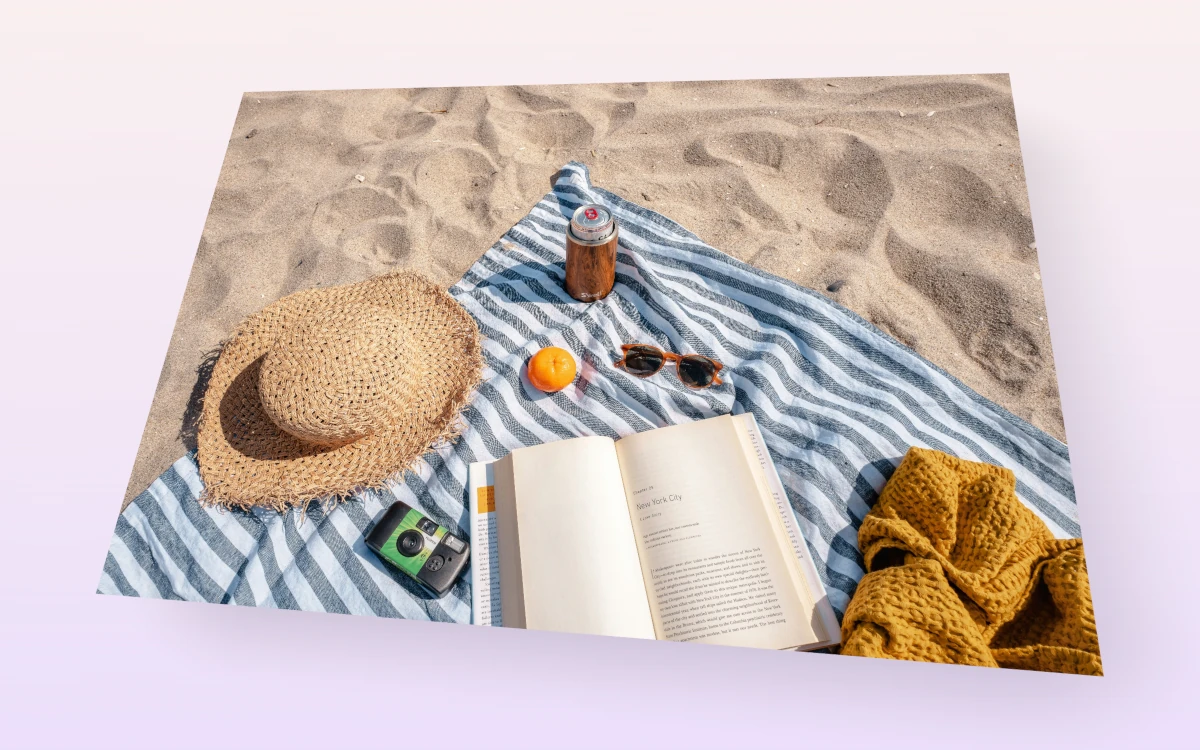
SaaS headers, feature pages, product announcements. One image, clean depth.
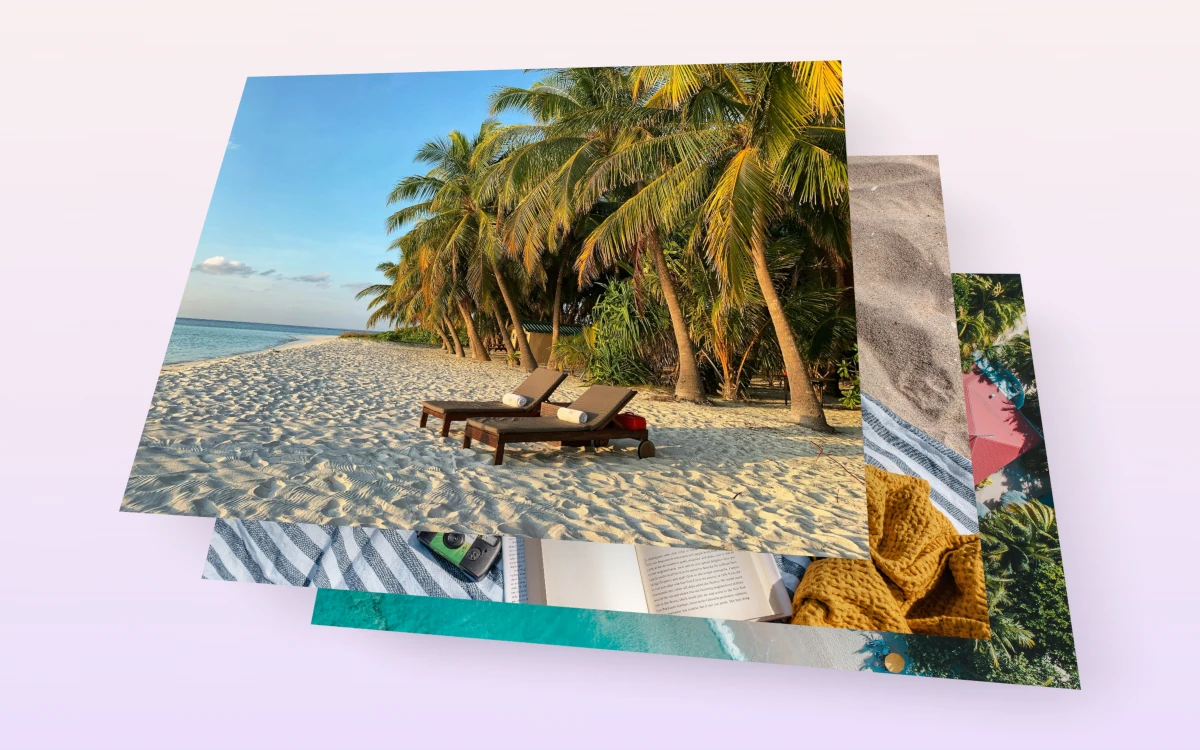
Multiple screens in one composition. Good for comparisons, walkthroughs, or richer product stories.
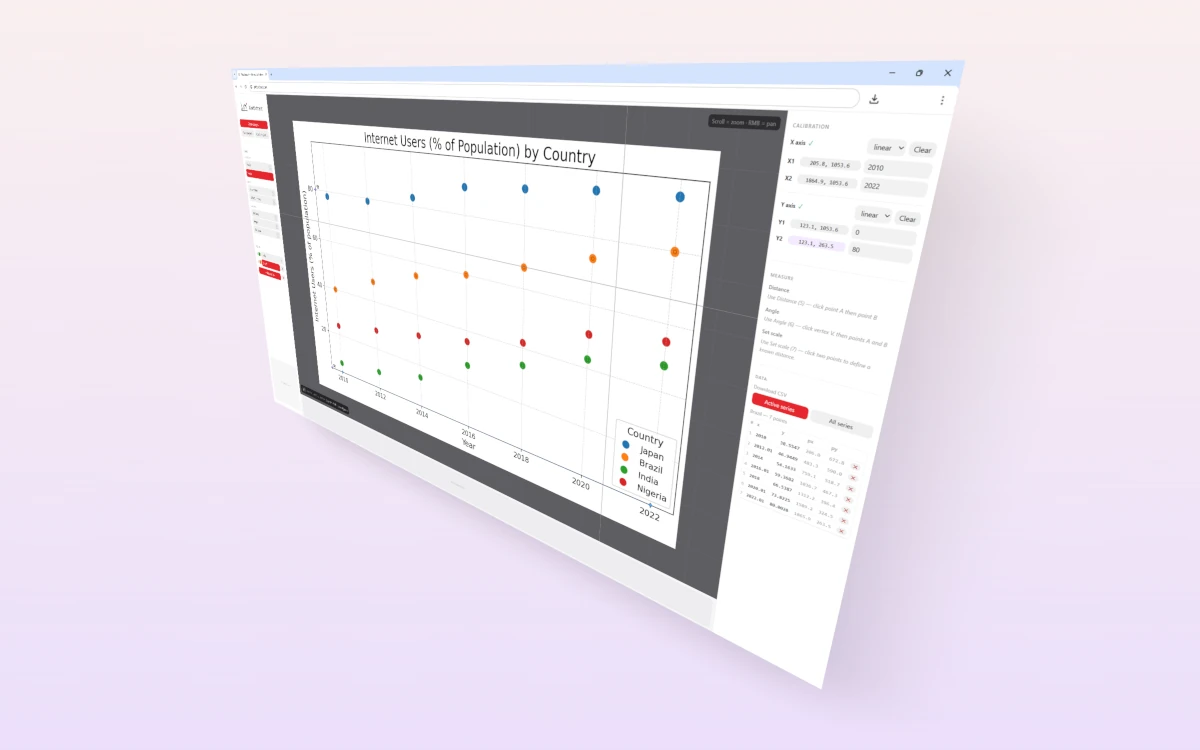
Export for social posts, changelogs, newsletters, and slide decks. 2400px wide at 1x.
Yes. Any flat image works: screenshots, product photos, UI panels, anything rectangular.
Yes. Stack mode lets you layer up to four images with adjustable spread, direction, and depth.
Those tools apply perspective by warping 2D pixels. FrameTilt places the image as a real 3D plane and renders it through a perspective camera, which gives more accurate geometry and cleaner results at steeper angles.
No. Everything runs in your browser. Images never leave your device.
Yes. FrameTilt is free to use.